Instagram is quickly becoming the place for home inspiration. So for those wondering "how do I get pictures off of Instagram and in to Pinterest?"
It's easier than you think (taking a screenshot and uploading it yourself).
[VIDEO]
When you find a picture in Instagram, select the 3 dots at the top right of a post. A 'Share to...' button will come up from the bottom. Scroll to the bottom and chose 'Save to Pinterest'.
Then choose your Pinterest Board by selecting the pencil icon and selecting the right board, or if it's already showing the correct board, select 'Save'.
And that's it!
About Your Expert
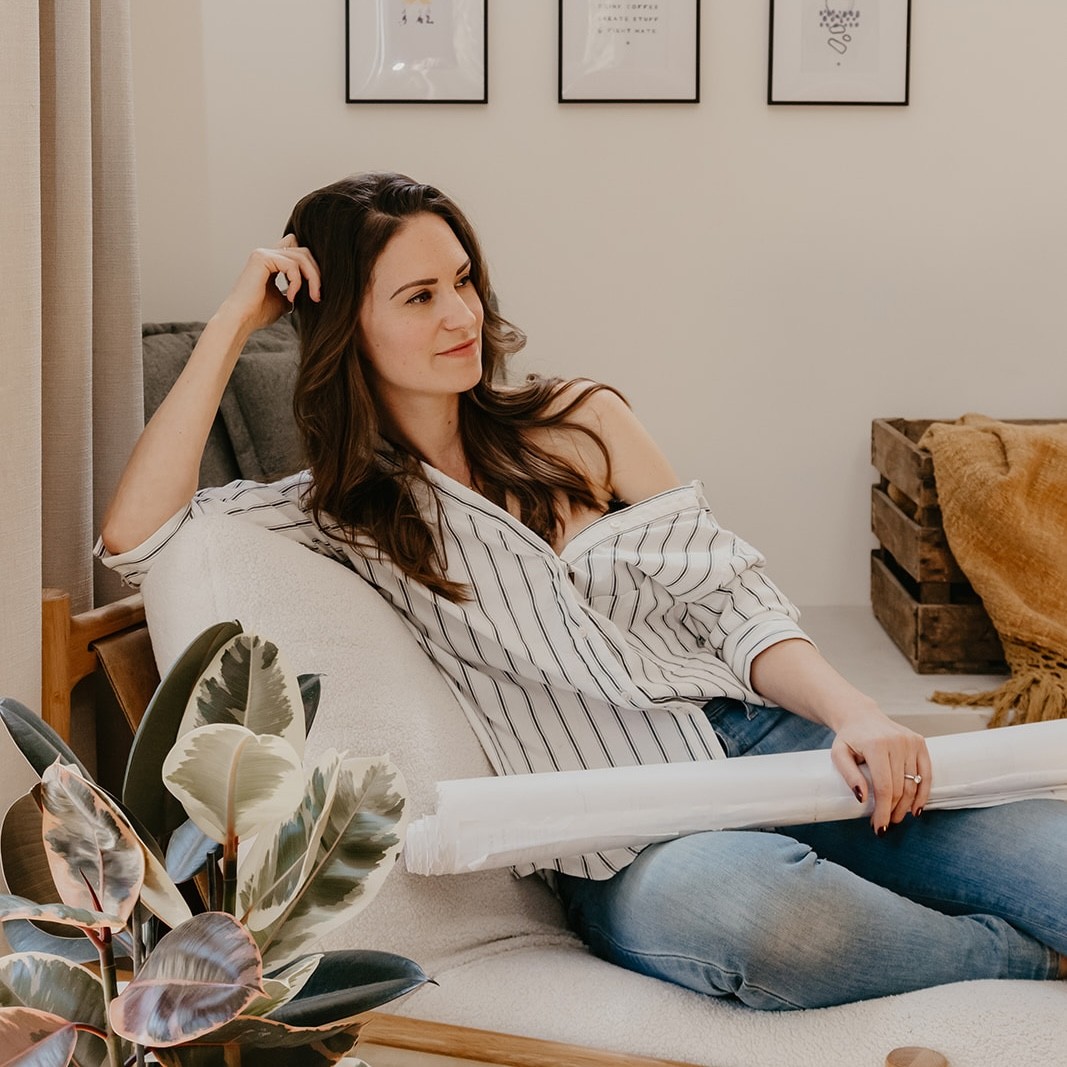
Chelsey Morphy is an architectural designer, home consultant, and the founder of Homeowner HQ. With two decades of experience…
Show More
Let's move on to the next lesson